How to make an On-Ramp in the Conduit Web App
Here, you'll find a breakdown of how to do an on-ramp operation on our platform.
On-ramp allows you to convert fiat currencies (such as BRL or MXN) into crypto assets (USDC or USDT). Here are the steps for On-Ramp:
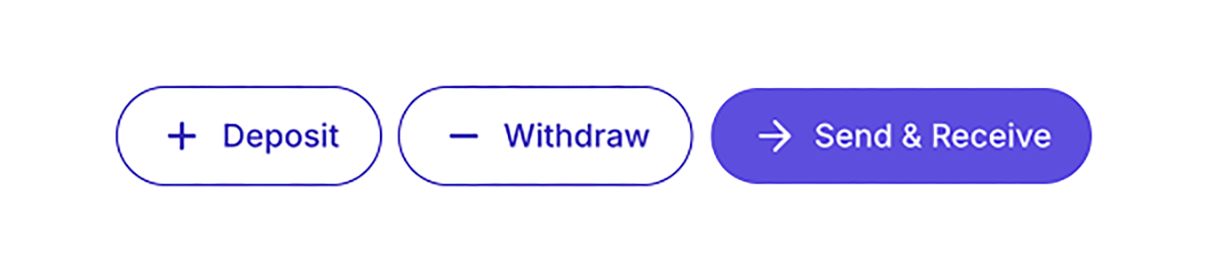
1. Go to "Send & Receive"
After logging into the Conduit platform, click on Send & Receive in the right-hand menu on your main dashboard.
2. Select the Sending Currency
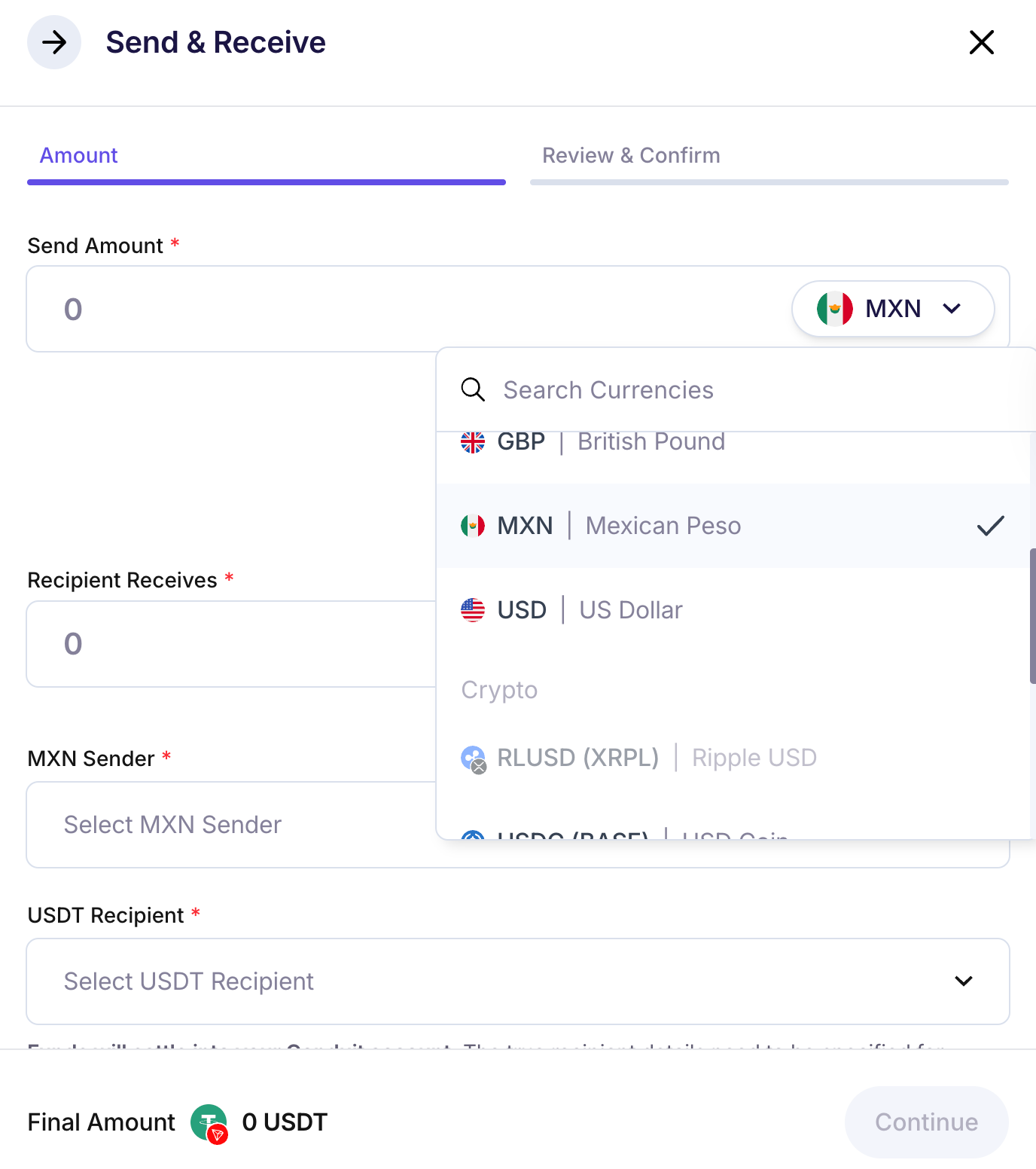
In the "Send Amount" field, choose the fiat currency, e.g., MXN, BRL, USD, etc.
3. Choose the Destination Cryptocurrency
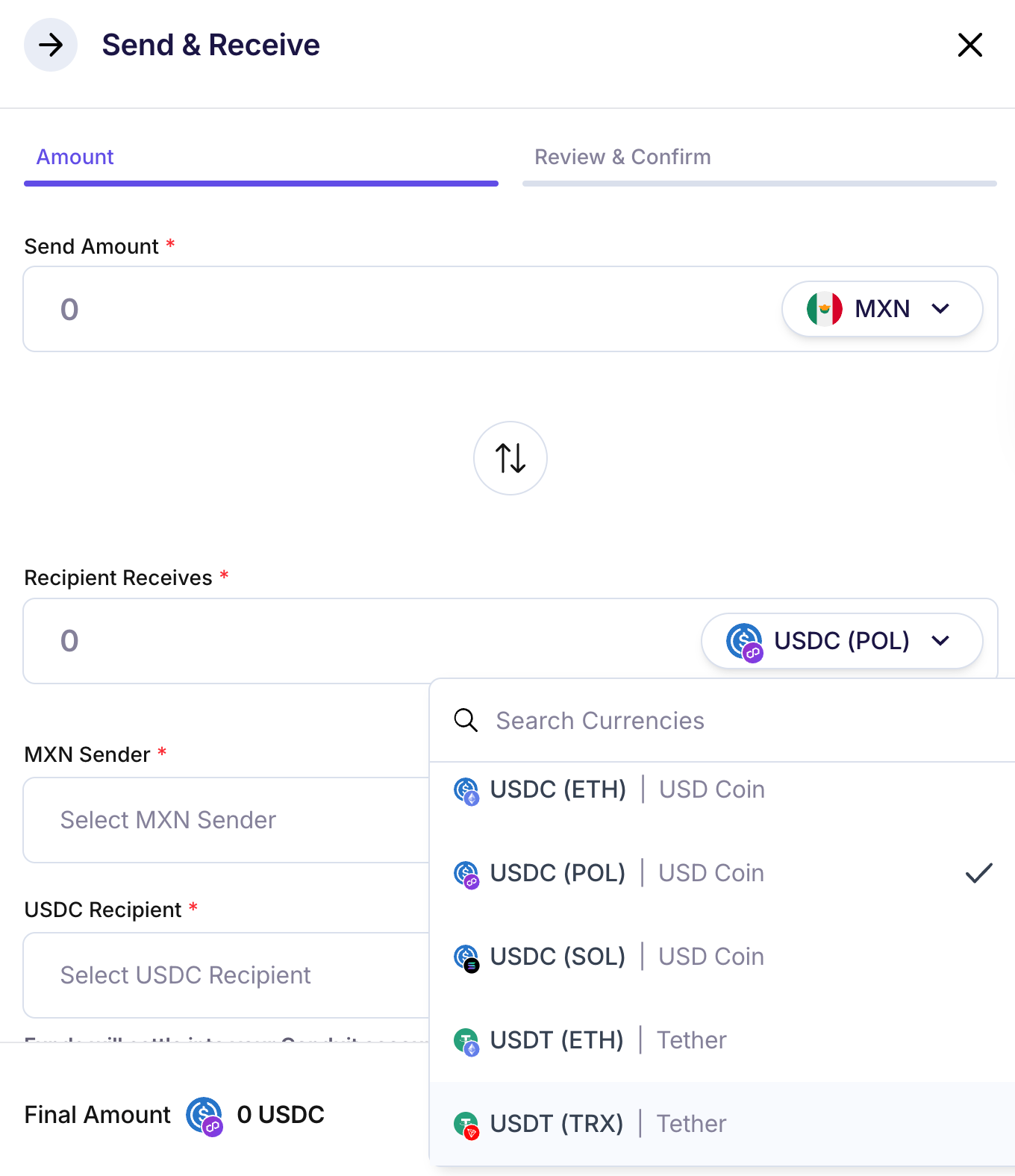
In the "Recipient Receives" field, select USDC (ETH), USDT (ETH), or USDT (TRX).
4. Get a Quote
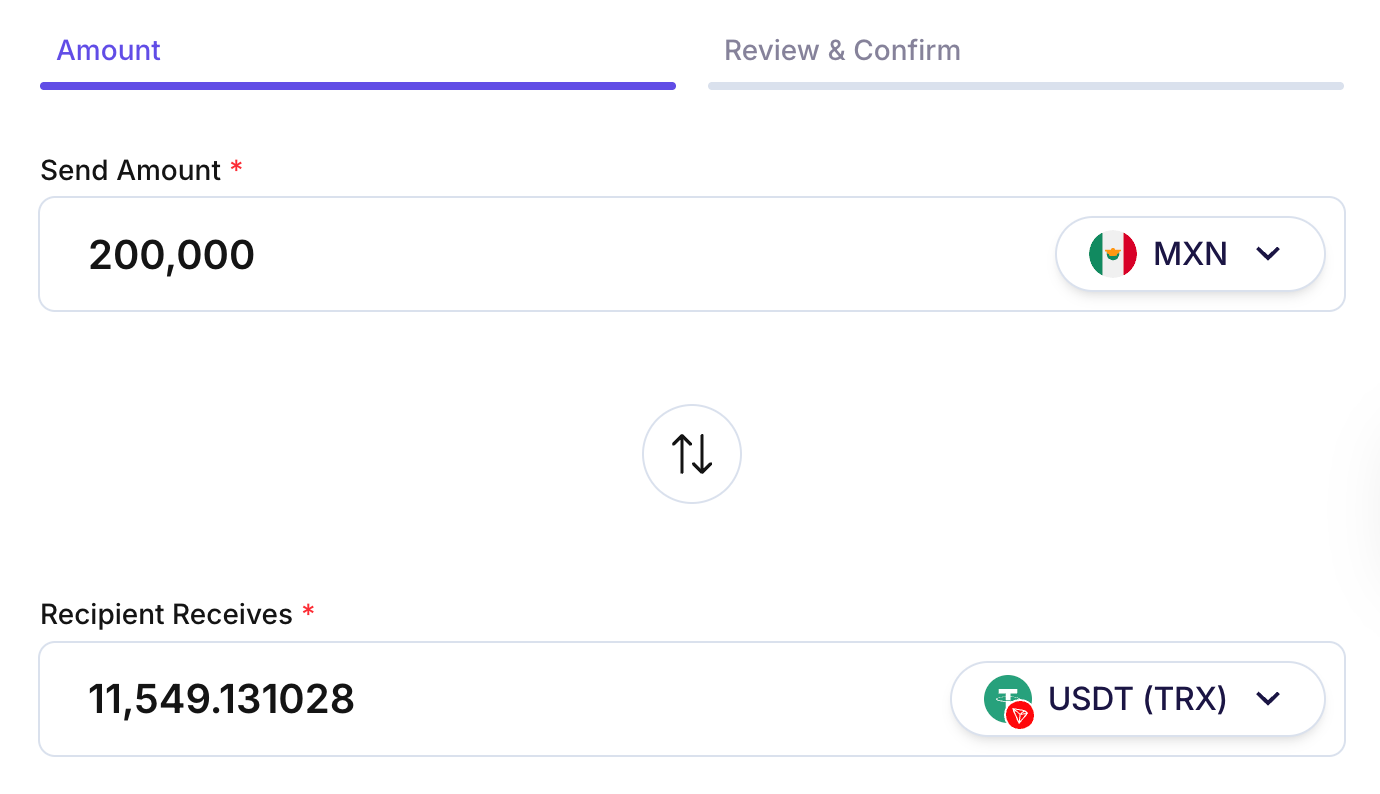
Enter the amount of fiat currency you want to convert or the amount of cryptocurrency you would like to receive to view the final transaction amounts. The quote expires in 170 seconds.
- Minimum volume required: $10,000 USD per transaction. If below this amount, a fixed fee of $35 USD applies.
- Maximum volume: You can receive quotes up to $1,500,000 USD. If you need a larger amount, you can split the transaction or contact our operations team.
5. Add Sender
Specify the sender for compliance purposes.
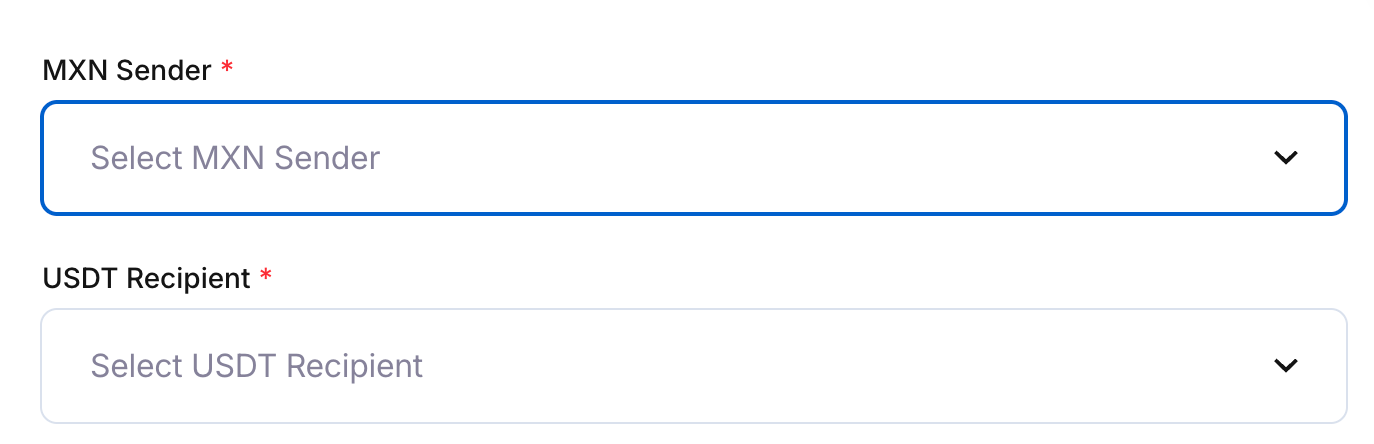
6. Add the Recipient
Add the crypto asset recipient. Funds will settle in your Conduit account, but the true recipient must be specified for compliance purposes.
Recipients are created as another counterparty. To learn how to register a counterparty, click here for more details.
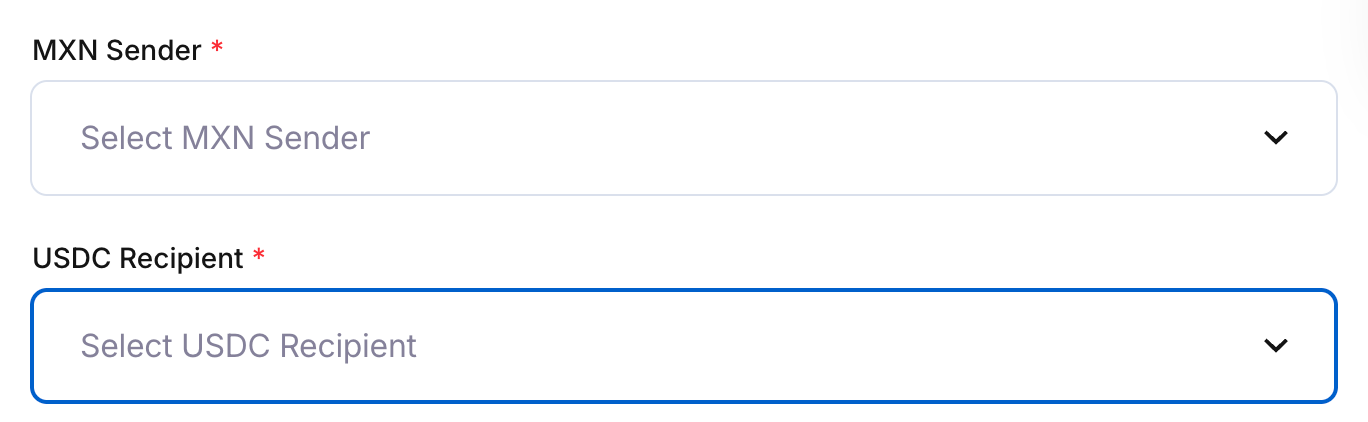
7. Review and Confirm
Verify that the information is correct and click "Continue".
Note: All exchange rates are provided instantly in real-time, ensuring transparency and accuracy during your transaction.
Final Tips
- Keep sender and recipient information up-to-date.
- Verify amounts and real-time conversion rates before confirming.
For additional assistance, please contact our support team.
